How to Keep Trenching and Shoring Rental Equipment Certified, Maintained, and Tracked


Why better equipment tracking and software tools matter for trenching, shoring, and construction rental businesses.
When your business rents out equipment that supports heavy loads, protects workers, or keeps a construction site operating safely, knowing exactly what you have, where it is, and what condition it’s in matters.
Load-bearing components such as trench boxes, hydraulic shores, braces, spreaders, beams, lifting attachments, and other structural equipment are essential to your customers' operations. They also require inspections, certifications, maintenance records, and equipment traceability. This all plays an important role in keeping these assets ready for their next job.
For equipment rental companies, managing this information across hundreds or thousands of individual components takes more than a spreadsheet and a filing cabinet. It takes the right processes, people, and software tools.
Know exactly what you have and where it is.
Start with a reliable record of every piece of equipment in your rental fleet.
For components that need individual inspection or certification, assign unique asset or serial numbers. Your team can then identify each component on its own, instead of relying on general inventory counts or product descriptions.
What should rental equipment tracking software record for each component?
- Unique asset or serial numbers and equipment descriptions
- Purchase dates, manufacturers, and equipment specifications
- Current location, customer, and rental contract
- Inspection dates and certification status
- Maintenance and repair history
- Equipment condition and availability
With this information in one place, your team answers customer questions faster, locates specific components, and produces documentation for inspections and audits whenever they need it.
Make inspections and certifications part of your workflow.
Keeping certifications current should be part of your everyday equipment management process, not something your team has to remember at the last minute.
Depending on the equipment, manufacturer requirements, applicable regulations, and company procedures, certain components may require scheduled inspections, testing, or recertification. Your business needs a consistent way to manage these requirements.
With the right software setup, you can record inspection results, attach relevant documentation, track certification dates, and establish reminders for upcoming inspections. You can also create workflows that flag equipment requiring attention before it’s assigned to another rental contract.
This can be helpful to you in several ways. Your service team knows what needs to be inspected, your rental coordinators have better visibility into equipment readiness, and management has access to records that support compliance and operational decisions.
Remember, software supports your inspection and certification processes. Qualified personnel must still perform the required inspections and determine whether equipment is fit for use.
Connect maintenance history to individual components.
Equipment maintenance is much easier to manage when your team can see the complete history of an asset. A component that has been repaired several times, experienced damage, or required replacement parts should have that information recorded against its individual asset record.
Without a connected system, maintenance details can end up scattered across work orders, spreadsheets, emails, and paper records. This makes it harder to understand the full history of a component or determine what work is required before it returns to service.
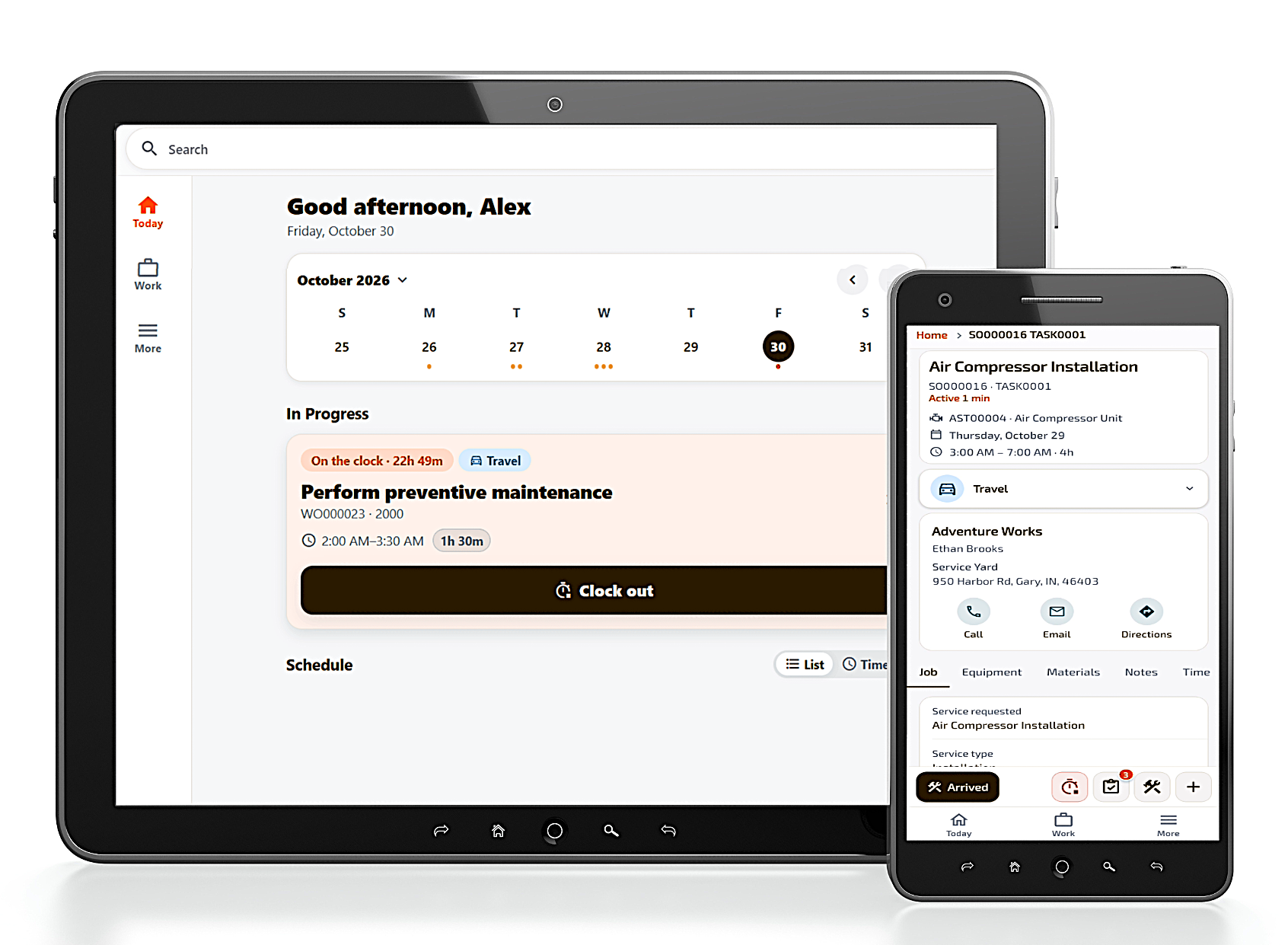
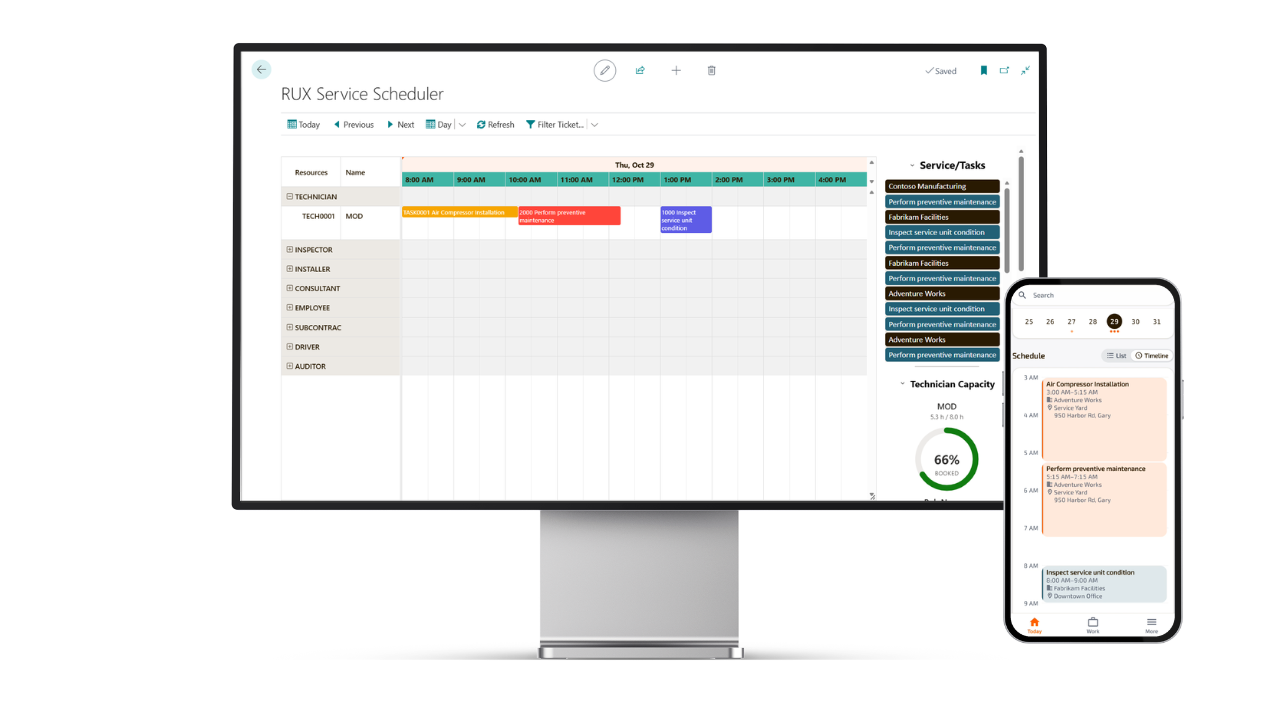
A connected maintenance system helps your team record service activities, track parts and labor, document repairs, and schedule preventative maintenance.
Over time, these records can also help you identify recurring equipment issues, understand maintenance costs, and make better decisions about repairing or replacing aging components.
Give your teams access to the same information.
Your warehouse, service department, rental coordinators, and management team all need different information, but they should be working from the same equipment records. When rental and service information is connected, your team can make better decisions throughout the equipment lifecycle.
For example, when a component returns from a job site, your team can check its rental history, review its condition, identify outstanding inspections, and determine whether maintenance is required before it becomes available again.
This creates a more consistent process from rental dispatch to return, inspection, maintenance, and redeployment.
For software partners supporting trenching, shoring, and construction rental businesses, this is an important consideration when helping customers evaluate their ERP and industry-specific software requirements.
Build a better system for equipment accountability.
Keeping load-bearing components certified, maintained, and properly tracked requires more than good intentions. Your business needs processes that support accountability at every stage of the equipment lifecycle. If you use Microsoft Dynamics 365 Business Central, RUX Rentals and RUX Service can help bring these processes together.
RUX Rentals provides equipment rental management capabilities, including serialized equipment tracking, rental contracts, and operational visibility. RUX Service supports equipment maintenance, service management, and inventory processes within Business Central.
Together, these applications help connect rental and service workflows, giving your team better visibility into equipment status, maintenance activity, and operational history.
Your equipment is a valuable business asset. Having the right software setup helps you protect that investment, supports your inspection and certification processes, and keeps your rental operation moving.
Ready to get better control of your rental equipment? Contact our team to learn more about RUX Rentals and RUX Service for your Microsoft Dynamics 365 Business Central system.


Ready to take control of your operations?
RUX engineered oil and gas field service software to fit your operation—no patches, no guesswork. Business Applications built and configured for the oilfield service industry, our software solutions give you clarity and control to move forward with confidence.