Feature Friday 8: Invoice Auto Send on Post & Consolidated Invoice Emailing in Business Central
.svg)

Why post an invoice and then manually send it?
For many accounts receivable teams, invoice processing doesn't end when an invoice is posted.
After posting, someone still needs to review delivery settings, generate emails, send documents, and confirm the customer received everything. While each step may seem small, these repetitive tasks add up quickly throughout the day.
The challenge becomes even greater when customers have multiple invoices outstanding and receive several separate emails instead of single-organized communication.
Some of the most common challenges include:
- Manually sending invoices after posting
- Additional prompts and clicks slowing down users
- Multiple invoices generating multiple customer emails
- Limited visibility into delivery activity
- Increased risk of delayed or missed invoice delivery
In this Feature Friday Episode 8 video, Ben Cole demonstrates two popular capabilities within the RUX Invoice & Statement Delivery extension that help automate invoice delivery while simplifying customer communication.
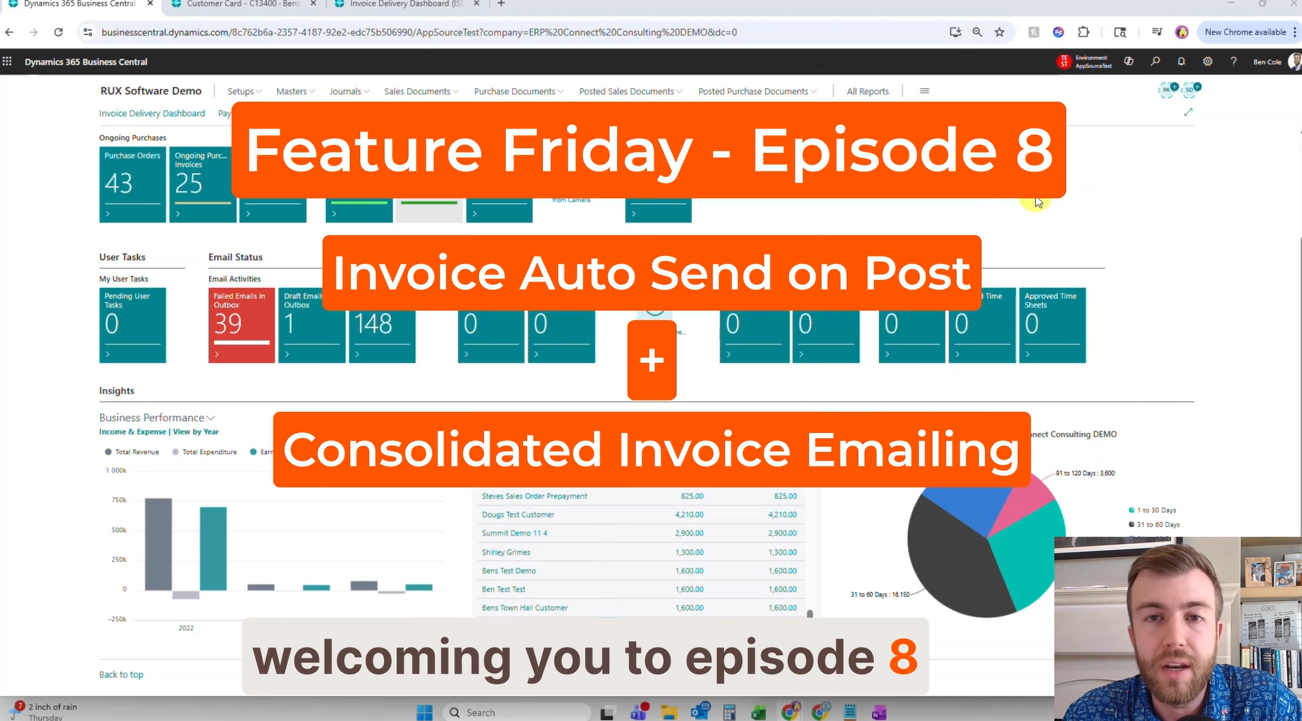
Why invoice delivery matters.
Invoice processing is one of the most frequent activities performed inside Business Central.
While posting invoices is often highly streamlined, the delivery process frequently introduces unnecessary manual work. Team members may need to send invoices individually, review delivery settings, respond to prompts, and manage customer communications after the invoice has already been created.
The problem becomes even more noticeable for organizations processing large invoice volumes.
Customers often prefer receiving a single organized email rather than several separate messages throughout the day. Without a consolidated delivery process, customer inboxes can quickly become cluttered, making communications more difficult to manage and increasing the likelihood that invoices are overlooked.
As businesses grow, these manual delivery processes become harder to scale and consume valuable time that could be better spent on collections, customer service, and other higher-value activities.
A more automated approach to invoice delivery.
With the RUX Invoice & Statement Delivery extension for Business Central, organizations can automate invoice delivery directly from the posting process while also consolidating multiple invoices into a single customer email.
Our Feature Friday Episode 8 video demonstrates how users can:
Automatically email invoices upon posting
Once enabled, invoices can be sent automatically the moment they are posted, eliminating the need for users to manually create and send email messages.
This reduces clicks, eliminates repetitive tasks, and helps ensure customers receive invoices immediately.
Eliminate unnecessary delivery prompts
By leveraging customer document sending profiles, delivery preferences can be managed automatically behind the scenes.
Users can focus on completing transactions without being interrupted by additional delivery steps.
Consolidate multiple invoices into a single email
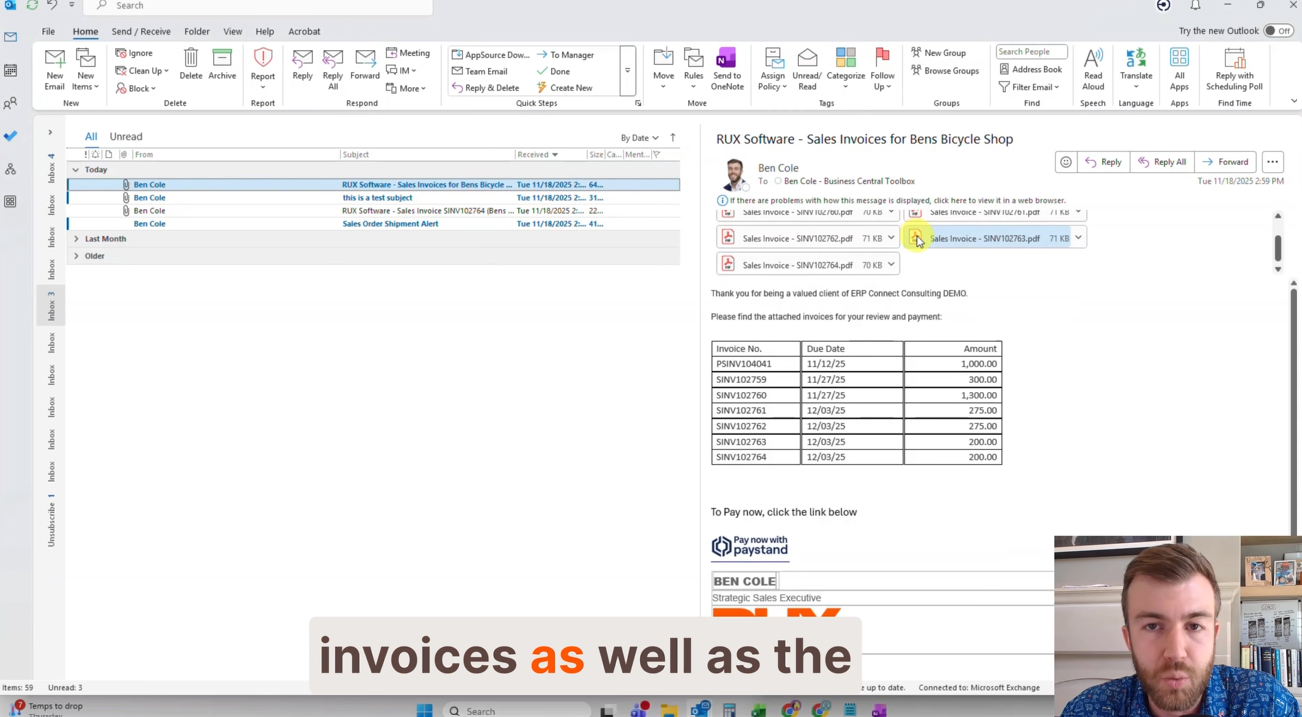
Instead of sending customers multiple emails containing individual invoices, organizations can group invoices together into a single organized communication.
This creates a cleaner customer experience while reducing inbox clutter.
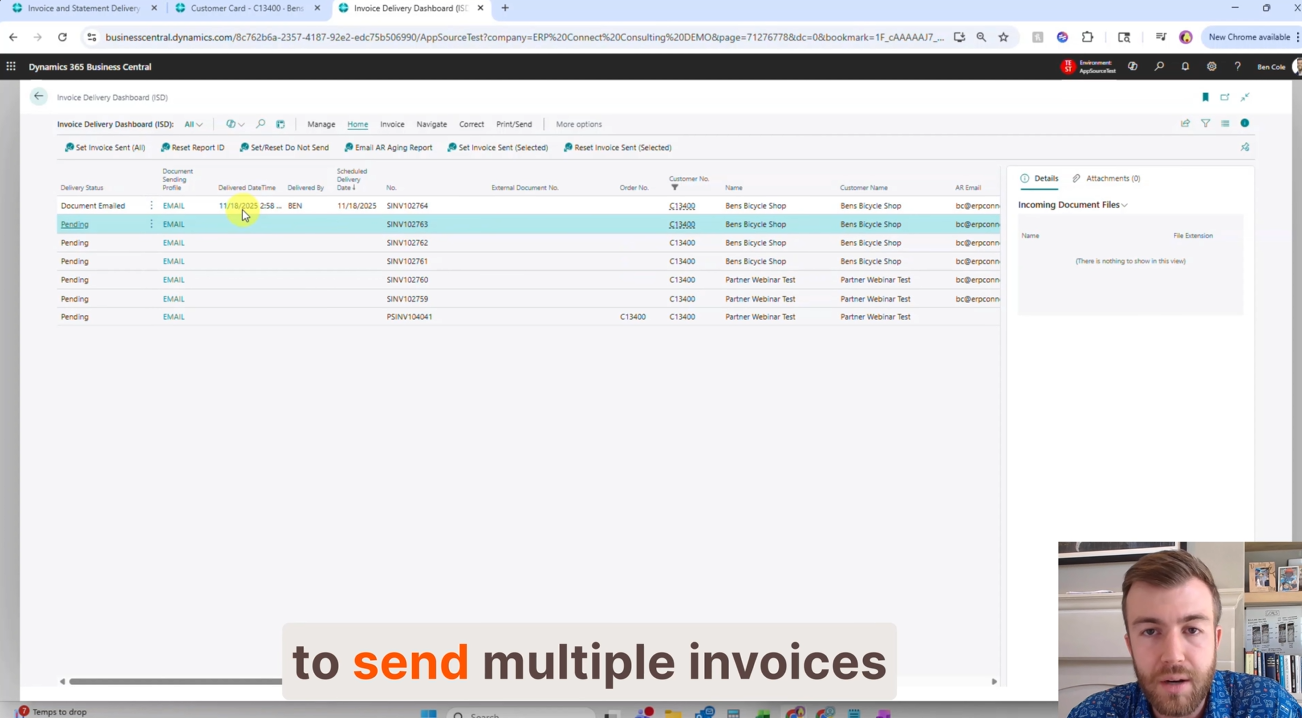
Improve delivery visibility
The Invoice Delivery Dashboard provides visibility into delivery activity, helping users confirm when documents were sent and review historical communication records.
Maintain a complete audit trail
Organizations can keep a record of delivery activity, creating stronger controls and improving accountability across invoice communication processes.
Built for real-world accounts receivable operations.
Accounts receivable teams are often measured on efficiency, accuracy, and timely customer communication.
Small manual processes repeated hundreds or thousands of times each month can create significant operational inefficiencies.
By automating invoice delivery and consolidating customer communications, organizations can:
- Deliver invoices faster
- Reduce manual administrative effort
- Improve customer communication consistency
- Minimize delayed or missed invoice delivery
- Reduce customer inbox clutter
- Improve visibility into delivery activity
- Create more scalable invoice processing workflows
Rather than spending time manually distributing invoices, teams can focus on collections performance, customer service, and process improvements that directly impact business outcomes.
Watch the full Feature Friday episode.
In the full Episode 8 video, Ben also walks through:
- Configuring Email Upon Posting
- Setting up customer document sending profiles
- Automating invoice delivery directly from posted transactions
- Sending invoices without additional prompts
- Consolidating multiple invoices into a single customer email
- Reviewing delivery history through the Invoice Delivery Dashboard
- Improving visibility into customer communications
If your organization is still manually sending invoices after posting or managing multiple invoice emails for the same customer, this episode demonstrates how automation can simplify the process while improving the overall customer experience.
Watch Feature Friday Episode 8 to see Invoice Auto Send on Post & Consolidated Invoice Emailing in action.
If this sounds helpful, explore more Business Central productivity tips on the RUX Software YouTube channel and subscribe so you never miss a Feature Friday episode!



Ready to take control of your operations?
RUX engineered oil and gas field service software to fit your operation—no patches, no guesswork. Business Applications built and configured for the oilfield service industry, our software solutions give you clarity and control to move forward with confidence.