Feature Friday Episode 3: Customer-Level Prepayments with RUX Advanced Prepayments
.svg)

Managing customer prepayments shouldn't require workarounds.
Many organizations rely on customer deposits, retainers, and advance payments as part of their day-to-day business operations. While Microsoft Dynamics 365 Business Central includes prepayment functionality, businesses often discover limitations when managing more complex payment scenarios.
For companies that work with recurring customers, large projects, or ongoing service agreements, prepayments aren't always tied to a single invoice or order. Unfortunately, standard processes can make it difficult to manage these situations efficiently, forcing teams to rely on manual workarounds and additional administrative effort.
Feature Friday Episode 3 demonstrates how RUX Advanced Prepayments helps organizations manage customer-level prepayments directly within Business Central, providing greater flexibility while improving visibility and accounting control.
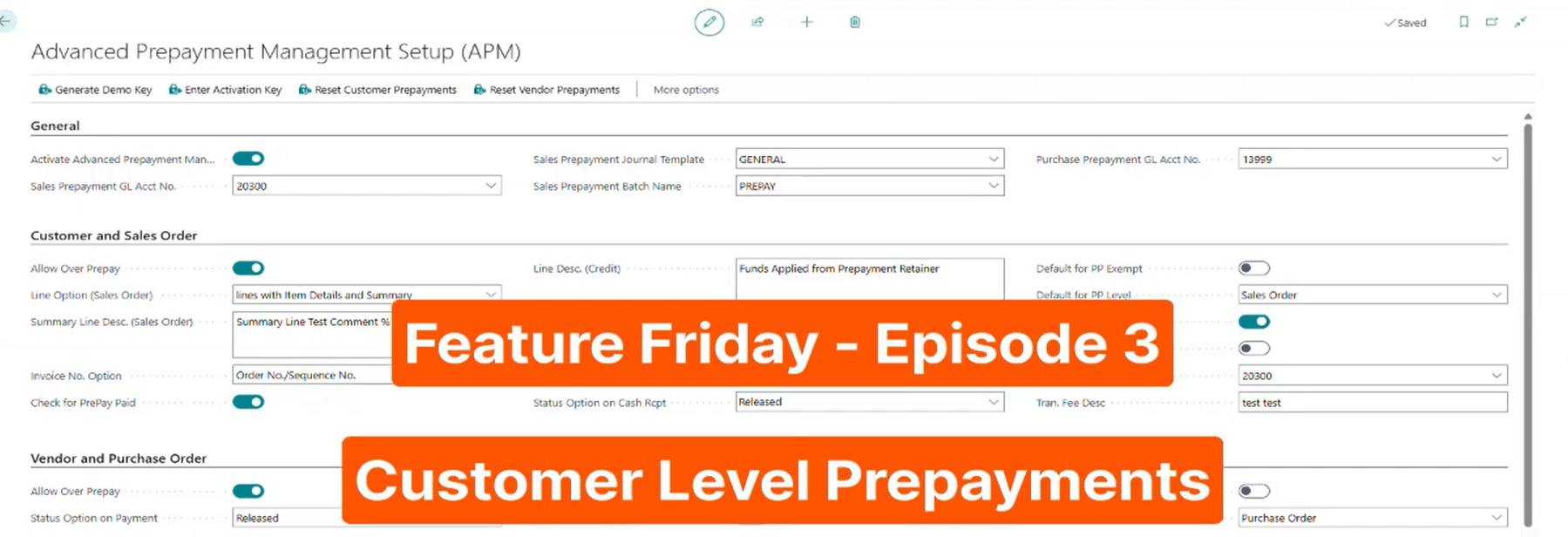
The challenges of traditional prepayment management.
Customer prepayments are intended to simplify financial processes, but many organizations discover that traditional approaches can create additional complexity.
Businesses may need to collect deposits before knowing exactly which future invoices those funds will apply to. Others may need to spread a customer's prepaid balance across multiple orders over time. When these scenarios aren't handled efficiently, accounting teams are often forced to track information manually, increasing the risk of errors and reducing visibility into available balances.
These limitations can create unnecessary frustration for employees while making it more difficult to maintain accurate accounting records and financial controls.
Common Challenges
- Limited flexibility once prepayments are posted
- Difficulty managing multiple prepayments
- Inability to apply funds across multiple transactions
- Increased administrative work
- Reduced visibility into customer balances
Introducing customer-level prepayments.
RUX Advanced Prepayments gives organizations the ability to manage prepayments at the customer level rather than restricting funds to a single order or invoice.
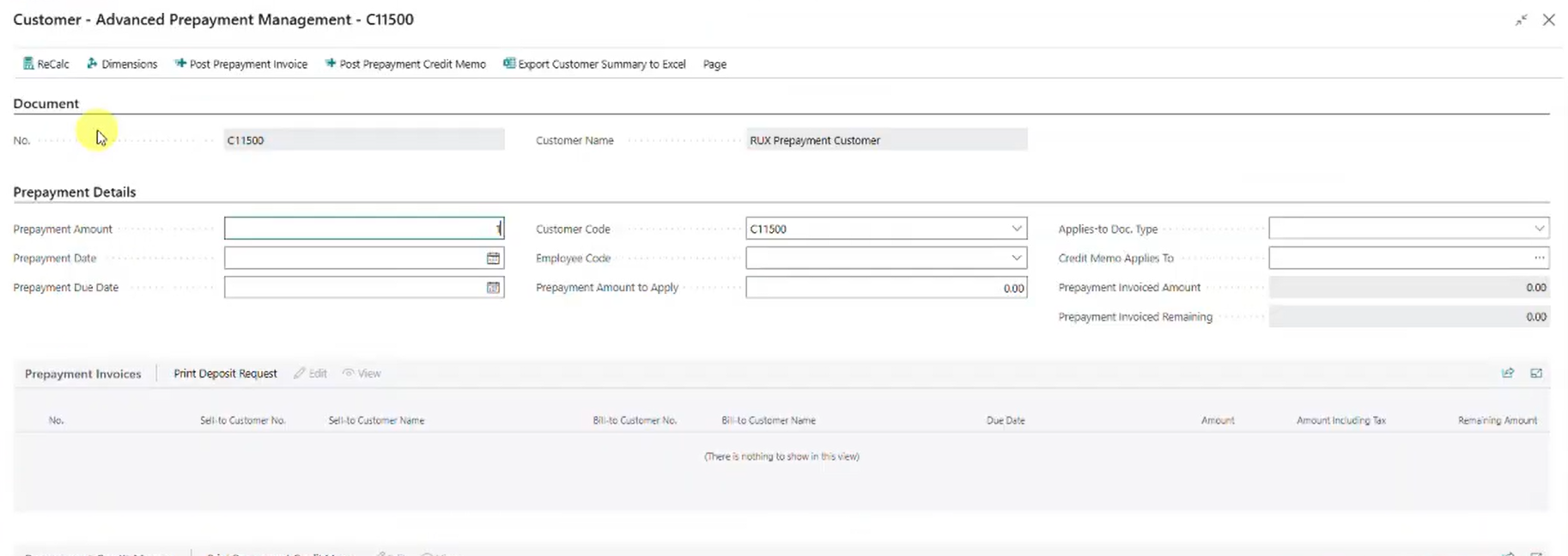
This added flexibility allows businesses to collect funds upfront and apply them across future transactions as needed.
A common example is a professional services organization operating on a retainer model. A customer may provide funds upfront, but those funds will eventually be applied across multiple invoices over time. Instead of manually tracking balances or creating workarounds, users can manage the entire process directly within Business Central.
Key Benefits
- Manage prepayments at the customer level
- Improve accounting flexibility
- Reduce manual tracking
- Support retainer-based business models
- Strengthen financial controls
Applying prepayments across multiple orders.
One of the biggest frustrations finance teams face is determining how prepaid funds should be applied as customer transactions occur.
Without a centralized solution, employees may need to review invoices, calculate balances manually, and verify available funds before completing transactions.
With RUX Advanced Prepayments, available balances remain associated with the customer and can automatically be applied to future sales orders and invoices. This simplifies processing and helps ensure funds are used accurately.
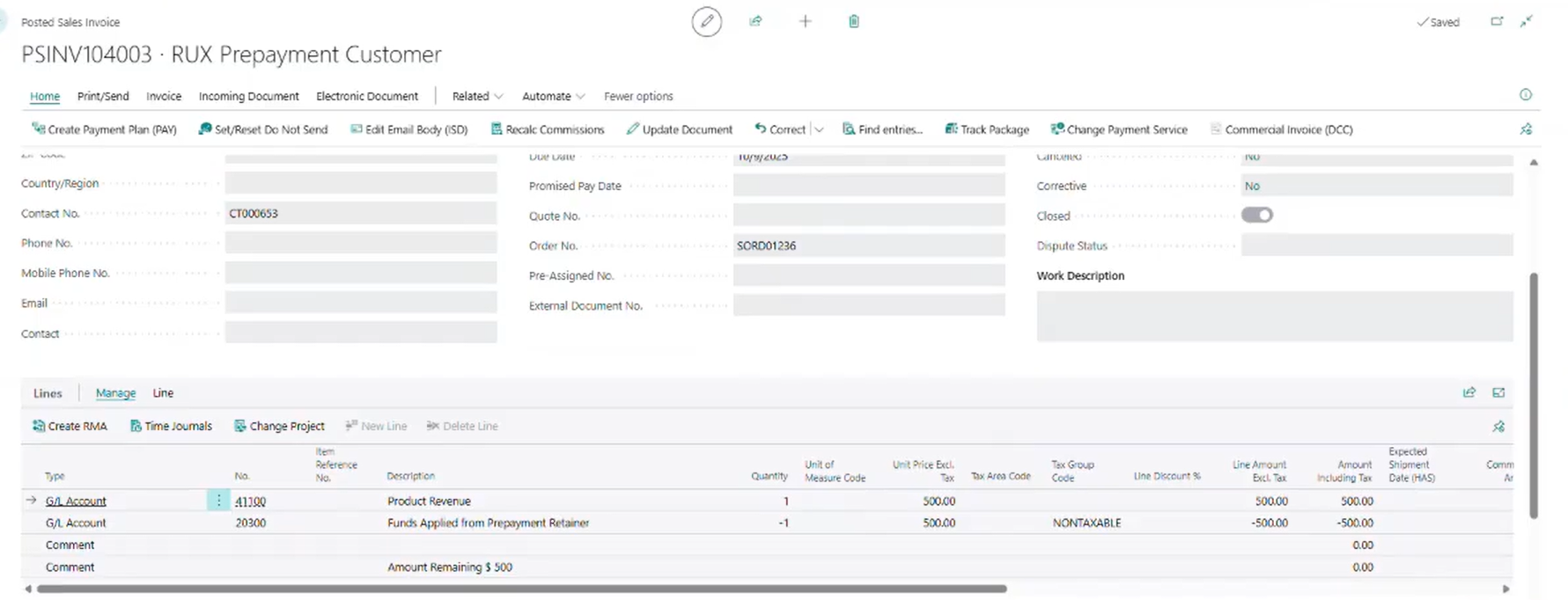
As customer activity increases, organizations can maintain visibility into prepayment balances without creating additional administrative work.
Key Benefits
- Apply balances across multiple orders
- Reduce manual calculations
- Improve transaction accuracy
- Simplify customer billing
Improving visibility into prepayment activity.
As prepayment volumes grow, maintaining visibility becomes increasingly important.
Accounting teams often need quick access to current balances, historical applications, and detailed transaction records. When this information is difficult to access, employees may spend valuable time researching past activity instead of focusing on higher-value work.
RUX Advanced Prepayments provides visibility into prepayment history, remaining balances, and transaction details directly within Business Central. Users can drill into historical records and better understand how prepaid funds have been applied over time.
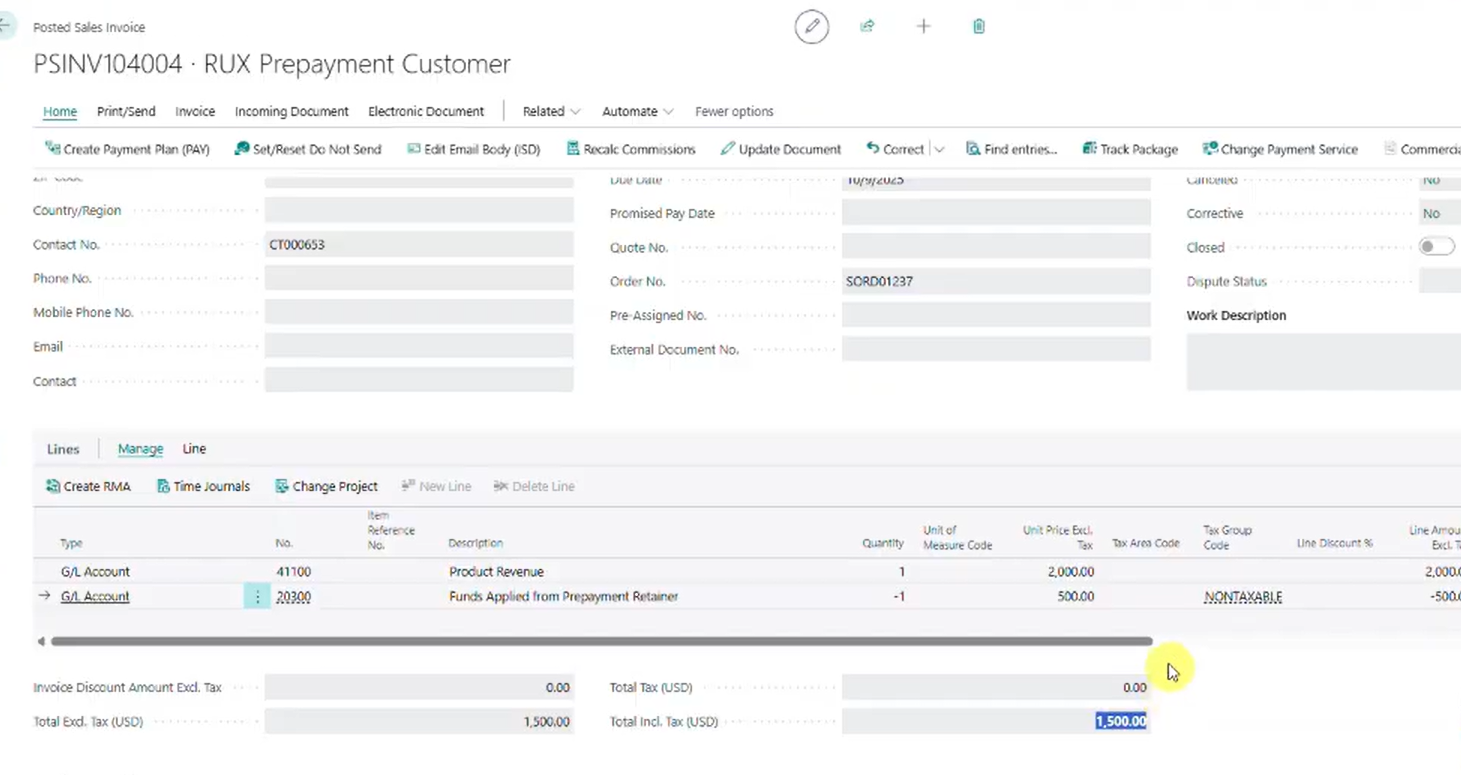
Key Benefits
- Track available balances
- Review prepayment history
- Access detailed transaction records
- Improve financial transparency
Supporting reporting and customer communication.
Managing prepayments isn't just about processing transactions. Organizations also need tools to monitor balances and communicate effectively with customers.
RUX Advanced Prepayments includes reporting capabilities that help teams analyze customer prepayment activity while maintaining clear visibility into outstanding balances. Users can also export information to Excel and provide customers with detailed prepayment statements when needed.
This helps improve communication while reducing the time required to answer customer questions regarding available funds and historical activity.
Key Benefits
- Generate prepayment reports
- Export data to Excel
- Improve customer communication
- Increase visibility across the organization
Greater flexibility for growing organizations.
As businesses grow, financial processes often become more complex. What works for a handful of customers can quickly become difficult to manage when handling larger transaction volumes, multiple projects, or recurring service agreements.
RUX Advanced Prepayments helps organizations move beyond the limitations of traditional prepayment processes by providing greater flexibility, improved visibility, and stronger accounting controls directly within Microsoft Dynamics 365 Business Central.
By simplifying customer-level prepayments, businesses can reduce administrative work, improve financial accuracy, and create a better experience for both employees and customers.
Watch the full Feature Friday episode to see how RUX Advanced Prepayments allows organizations to manage customer-level prepayments, apply balances across multiple transactions, maintain visibility into customer funds, and improve financial processes within Business Central.
Ready to simplify prepayment management in Microsoft Dynamics 365 Business Central? Download a FREE 30-day trial of RUX Advanced Prepayments from Microsoft Marketplace today and discover a more flexible way to manage customer deposits, retainers, and advance payments.




Ready to take control of your operations?
RUX engineered oil and gas field service software to fit your operation—no patches, no guesswork. Business Applications built and configured for the oilfield service industry, our software solutions give you clarity and control to move forward with confidence.