Connect Your Rental Data in Business Central to Copilot AI with RUX Rentals MCP


Your rental data already contains all the answers your team needs. The challenge is often finding those answers quickly.
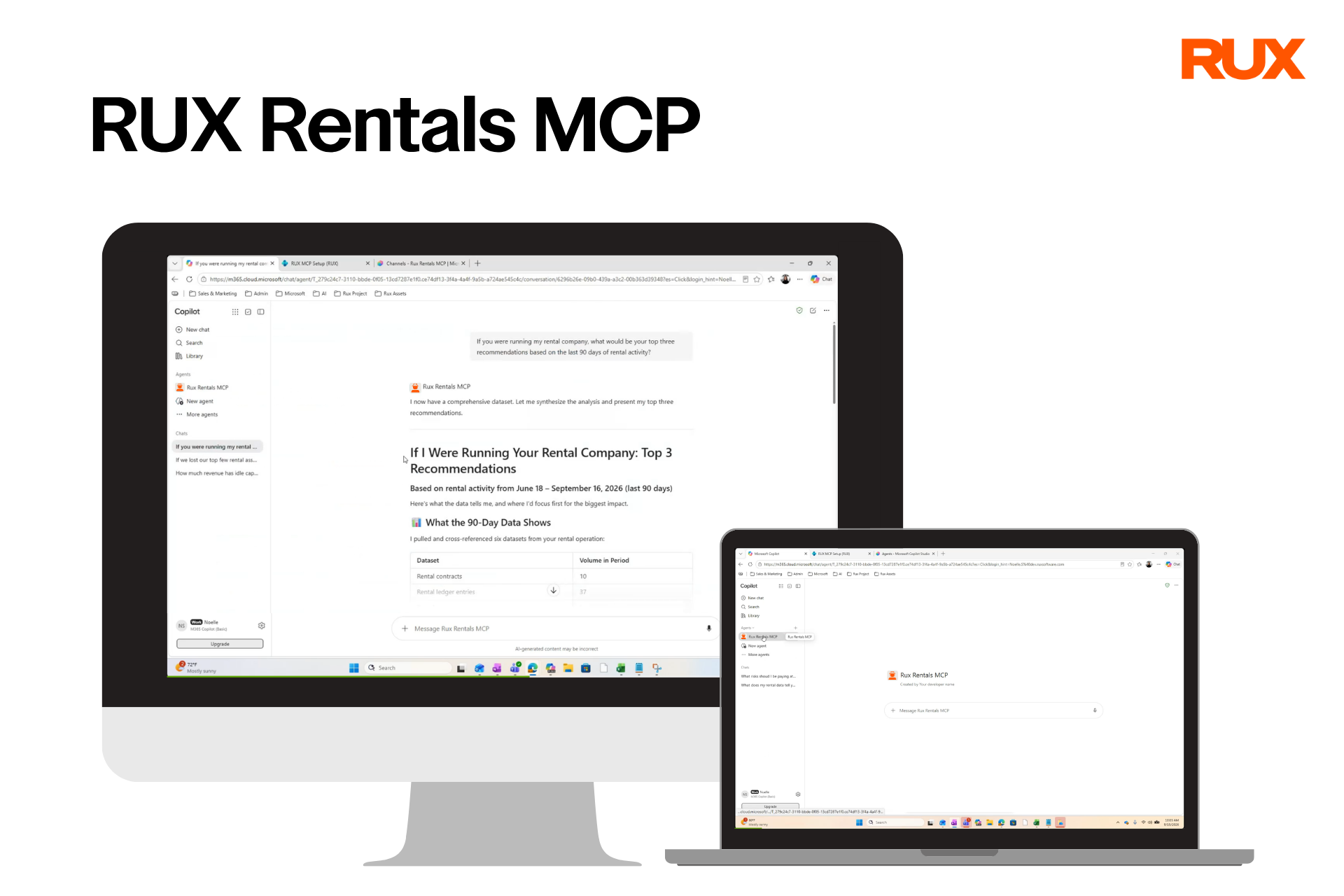
This is why the RUX team has created RUX Rentals MCP, which connects the full power of RUX Rental Management to the AI-powered Copilot agent through the Microsoft Business Central Model Context Protocol (MCP).
With RUX Rentals MCP and your Copilot assistant, your sales teams, operations managers, and finance teams can query existing rental data, explore equipment availability, review contracts, analyze dispatch activity, and more without leaving their existing AI workflow.
Read on to learn more about how this tool will help your team. You can also view the full press release about this new product here.
Connect AI directly to your rental operations.
RUX Rentals MCP provides more than 70 purpose-built API endpoints covering the major areas of rental management. Rental units, quotes, contracts, deliveries, returns, billing schedules, accruals, dispatch loads, site addresses, and financial entries are all structured for AI consumption and learning.
That means your Copilot assistant can quickly find the information you need directly in your Business Central system, rather than relying on manual exports or users searching through multiple screens.
Ask which units are currently available for a customer. Review the details of an active rental contract. Check what deliveries are scheduled for today. Get a summary of billing or accrual activity. The data is there, and now AI can work with it on your behalf.
Connect in minutes, not hours.
Getting started with RUX Rentals MCP doesn’t require a developer to build configuration files or manually register every available tool.
MCP includes a one-click configuration generator within Business Central. Any Business Central administrator on your team can generate the complete MCP configuration and register the available Rental API pages with the Business Central MCP server.
This process is repeatable and keeps the configuration current as new API pages are added.
Make rental data useful wherever your team works.
RUX Rentals MCP is designed to work with the MCP-compatible AI tool GitHub Copilot, as well as the RUX Rental Contract Agent.
That means faster answers about equipment availability, customer contracts, and quotes for your Sales team. Your Operations team can quickly review deliveries, returns, trip records, and job-site information. Your Finance team can ask questions about billing schedules, accruals, and rental activity without having to build a manual report first.
The result is less time spent searching for information and more time spent working with it to move business forward.
Keep control of your data.
Connecting rental data to AI requires strong governance. RUX Rentals MCP is built around the same permission structure businesses already use in Business Central.
Every MCP query runs under the authenticated user's existing Business Central permissions. If a user can’t already access a record in Business Central, they can’t retrieve it through Copilot.
Your Business Central administrators can also control whether MCP operations are limited to Read access only, or can also include Create and Modify actions. Your organization can start with read-only access if desired and expand capabilities further as your AI strategy develops.
Build toward the next generation of rental management.
RUX Rentals MCP is more than a connection between Business Central and Copilot. It creates a foundation for the next generation of rental automation.
RUX has also updated the Rentals module to support agent-driven operations without the confirmation dialogs and user prompts that can interrupt automated processes. That means the RUX Rental Contract Agent and other future AI agents can work reliably with rental processes.
Your rental data has always been valuable and RUX Rentals MCP gives your Copilot assistant the ability to put that data to work for you.
Ready to see what AI can do for your rental operation? Contact the RUX team to learn more about RUX Rentals MCP capabilities and how it will help your team work smarter with the data already in Business Central.



Ready to take control of your operations?
RUX engineered oil and gas field service software to fit your operation—no patches, no guesswork. Business Applications built and configured for the oilfield service industry, our software solutions give you clarity and control to move forward with confidence.